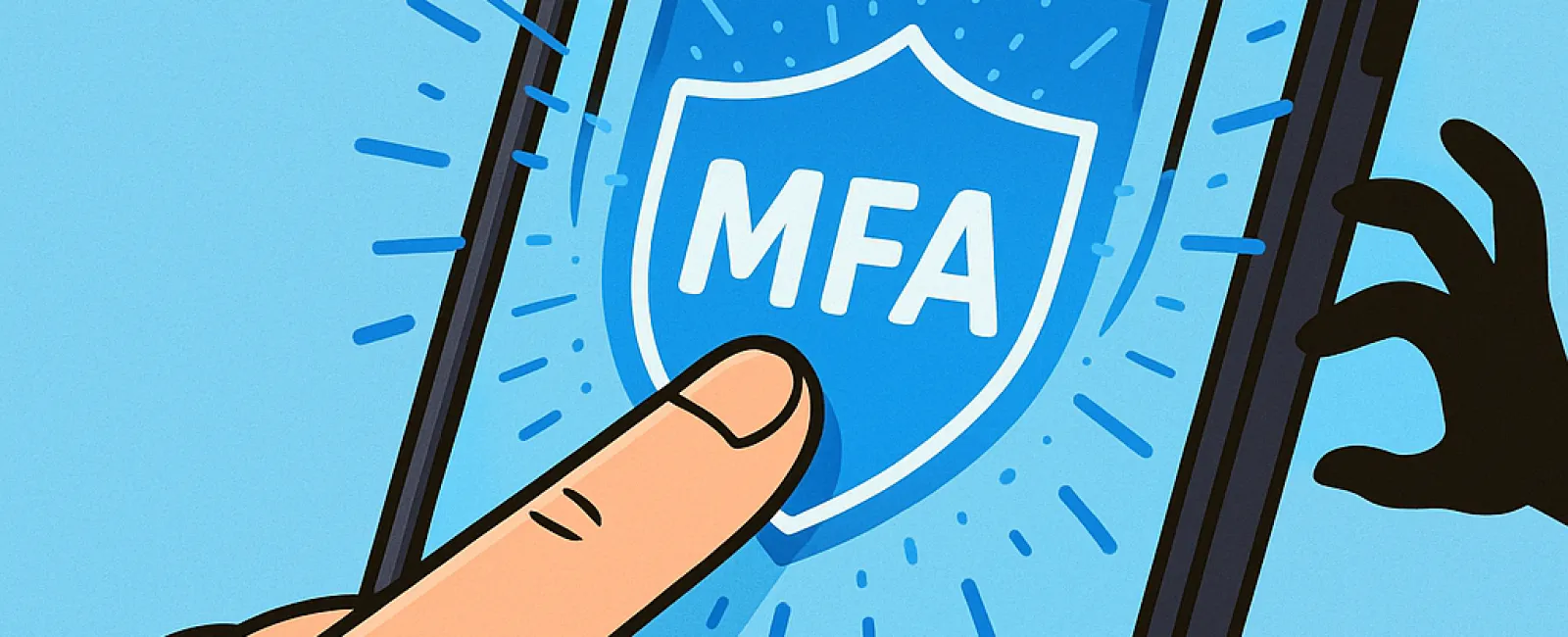
Just as you wouldn't drive without a seat belt or leave your office unsecured overnight, you shouldn't navigate the digital world without multifactor authentication (MFA). It's your essential safeguard against cyber threats.
MFA acts as a second barrier for your online security. Instead of relying solely on a password—which can be vulnerable to theft, guessing, or phishing—it requires an additional verification step like a text message code, authentication app prompt, or fingerprint scan. This extra layer ensures that even if a hacker steals your password, they cannot access your account without the second verification.
One Simple Step Can Secure Your Digital Life
Think of your password as locking your door at night and MFA as activating your home security system. While not mandatory, MFA offers peace of mind by protecting you if your password is compromised.
In essence, MFA adds a quick, additional step to confirm your identity before granting access to your accounts. Known by other names like "two-step verification," "two-factor authentication," or "one-time password," all refer to the same vital security process involving multiple authentication factors.
MFA can take various forms including confirmation emails during account creation, security questions, SMS codes, push notifications, and phone calls. Most of these require just a tap or entering a short code.
How MFA Protects You in Real Life
From your perspective, MFA is quick and simple—just click a button or enter a code. But for cybercriminals, it's a formidable obstacle. When someone tries to access your account without authorization, MFA will immediately alert you or request a code, giving you a chance to reset your password before any data is compromised. This added layer thwarts hackers from exploiting stolen passwords, even if employees mistakenly share their login details.
According to a Microsoft study, enabling MFA reduces the risk of account compromise by over 99.2%, and by 99.99% for users with MFA actively enabled.
Where and How You Should Activate MFA
Protect your most sensitive digital assets by enabling MFA on:
- Banking and financial applications
- Email accounts and cloud storage services
- Social media platforms
- Work-related logins containing client or proprietary data
Activating MFA is usually straightforward. Most major platforms include built-in options—simply choose the method that best suits you and integrate it into your daily routine. Using an authenticator app enhances security for your team's sign-ins.
In summary, MFA provides a free, fast, and powerful defense against most account breaches. Investing a few minutes to enable it today can spare you from potentially devastating data loss and weeks of recovery efforts tomorrow.
The simplest way to get started with MFA is to reach out to your IT provider. A skilled MSP can guide you seamlessly through setup. If you need expert cybersecurity support,