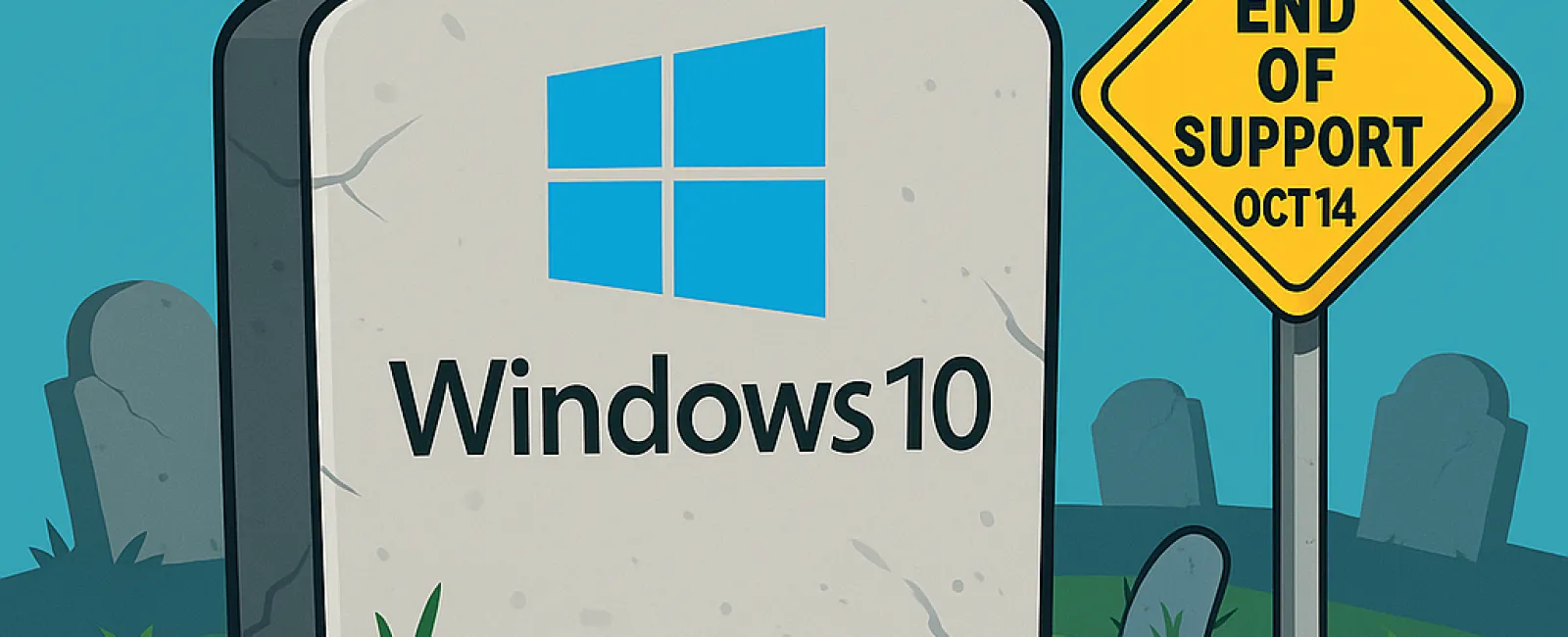
Attention: Microsoft will officially end support for Windows 10 on October 14, 2025. Although your Windows 10 PC will keep functioning past this date, Microsoft will no longer provide essential security updates, patches, or technical support to keep your device safe and optimized.
Why Should Business Owners Care?
- Heightened Security Threats: Without ongoing updates, your computer becomes increasingly vulnerable to cyberattacks, malware, and viruses. Protecting your business data means upgrading to a supported version of Windows is critical.
- Software Compatibility Concerns: Most modern software is designed to run on current operating systems. After Windows 10 reaches its support deadline, many applications may not function correctly or may stop working entirely.
- Risk of Compliance Violations: Businesses handling sensitive data or governed by regulatory standards must stay updated. Running outdated systems can cause compliance breaches, potentially leading to fines or legal trouble.
Available Solutions
Microsoft strongly recommends upgrading to the latest Windows version before the support ends. However, some Windows 10 devices won't meet the strict hardware criteria needed for Windows 11, leading to upgrade errors.
If your current PC isn't compatible with Windows 11, consider these options:
- Purchase a new PC that supports Windows 11
- Enroll in Extended Security Updates (ESU) as a temporary safeguard
- Switch your operating system from Windows to Linux
- Continue using Windows 10 past the deadline—but this strategy leaves your business exposed and is not recommended
Whichever path you choose, always back up your files before making any changes to safeguard your valuable data.
About Extended Security Updates for Windows 10
If immediate upgrading isn't feasible, you can purchase Extended Security Updates from Microsoft. Keep in mind, ESU provides only a temporary safety net and will be available for just one year beyond the October 2025 deadline.
Signing up is straightforward: pay a $30 fee or redeem 1,000 Microsoft Reward points. There's also a no-cost alternative, which requires enabling Windows Backup to sync your settings and files to OneDrive. The free tier offers 5 GB of storage, but if your documents are large, additional storage purchases might be necessary.
Act promptly to register before October 14 — missing the deadline means losing access to ESU.
Seamlessly Managing Your Upgrade
Partnering with your IT provider or an experienced technology consultant will help you select the best upgrade strategy tailored to your business needs, ensuring minimal downtime and smooth transition.
If you want expert assistance during this critical transition, schedule a FREE 15-Minute Discovery Call with our team. We'll help you plan the necessary steps to upgrade your systems efficiently. Contact us by calling 1-303-423-4500 or click here to book your consultation today.