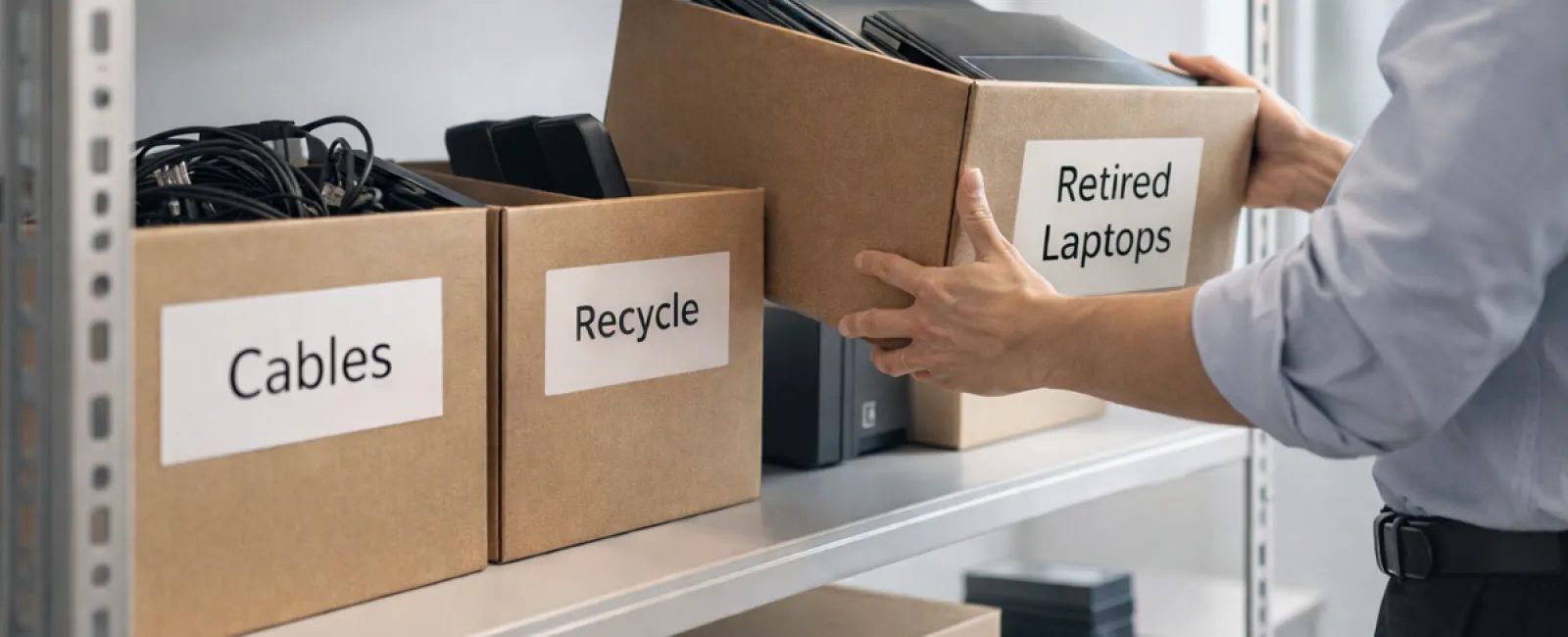
Businesses often start spring cleaning with closets, but true clutter usually extends beyond just physical racks.
Whether it's piled on server racks, tucked away in storage rooms, back offices, or hidden under "deal with later" piles, unnecessary tech gear accumulates everywhere.
Think old laptops, obsolete printers, backup drives from previous upgrades, and tangled boxes of cables kept just "in case."
Virtually every company gathers this outdated gear over time.
The real question: do you have a smart strategy for managing these assets afterward?
Technology Lifecycle: More Than Just The Purchase Date
When you invest in new tech, there's a clear reason: improved speed, enhanced security, greater capabilities, or supporting business growth.
While most companies plan their technology purchases carefully, few have a solid retirement plan.
Retiring gear often happens quietly—devices get replaced, stored aside, and eventually forgotten until space is needed.
That's typical.
What's uncommon is managing tech retirement with the same care as buying it.
Old equipment holds residual value, recyclable materials, and potentially sensitive data. Unchecked, it can become a costly operational burden.
Spring is the perfect time to assess: what devices still add value, and what's just occupying space?
Four Steps to Streamline Your Tech Cleanup
To move beyond "we should probably," adopt this straightforward four-step method.
Step 1: Take Inventory
Identify which equipment you're retiring—laptops, smartphones, printers, network components, external drives, etc. You can't manage what you don't know, and a walkthrough will often reveal surprises.
Step 2: Choose the Best Outcome
Devices usually fit into three categories: reuse (internal use or donation), recycle (via certified e-waste programs), or destroy (for sensitive data). Deciding deliberately prevents equipment from languishing in storage limbo.
Step 3: Prepare Devices Correctly
Proper preparation makes a difference.
For reuse or donation, deactivate devices from management systems, revoke user access, and perform thorough data wipes—not just simple resets. Deleting files or quick formats don't erase data, only the pointers to it.
A study by Blancco found 42% of drives resold on eBay still contained sensitive info, despite sellers claiming full wipes. Certified erasure tools overwrite all sectors and provide verification reports.
If recycling, engage certified e-waste providers—not dumpsters or curbside. Note: Big-box programs like Best Buy's recycling are for personal use only, not businesses.
Commercial gear requires certified IT asset disposition (ITAD) or specialized business e-waste recyclers with e-Stewards or R2 certifications (searchable at e-stewards.org and sustainableelectronics.org). Your IT partner can help coordinate.
For destruction, use certified data wiping or physical methods like shredding or degaussing, and keep detailed records including serial numbers, methods, dates, and handlers.
This isn't paranoia—it's about completing the process responsibly.
Step 4: Document and Finalize
After equipment leaves your facility, ensure you know its destination, handling procedure, and that all access has been revoked. Proper documentation eliminates doubts later.
Often Overlooked Devices to Remember
Laptops get most attention, but many other devices deserve care.
Phones and tablets may contain email accounts, contacts, or authentication apps. Certified mobile wipe tools offer deeper cleaning than a factory reset. Major brands provide trade-in options, sometimes offering credit for older devices.
Printers and copiers often include internal hard drives storing copies of everything printed, scanned, copied, or faxed. For leased machines being returned, get confirmation in writing that drives will be wiped or removed before deployment elsewhere.
Batteries are classified as hazardous waste by the EPA, and many states forbid businesses from discarding rechargeable batteries in regular trash. Remove batteries, tape terminals to prevent shorts, and take them to certified drop-off points. Call2Recycle.org lists locations, and major retailers accept them too.
External drives and retired servers often stay in storage longer than intended. They require the same careful retirement process as other equipment.
Thoughts on Responsible Recycling
Around Earth Day, it's a good reminder that electronics belong in proper recycling streams—not landfills.
The world throws away over 62 million metric tons of e-waste annually, but only about 22% is recycled responsibly. Batteries, monitors, and circuitry must enter certified e-waste channels. Many communities offer convenient certified recycling options.
Handled correctly, retiring technology is not only environmentally responsible but operationally efficient and strategically smart. You don't have to choose security over sustainability—you can have both.
It's also a subtle yet powerful message your company can share on social media, showing commitment without overhyping.
The Greater Opportunity
Spring cleaning is less about disposal and more about creating space.
Clearing old tech is one part. Equally important is stepping back to ask whether your technology truly supports your business goals.
While hardware is transient, software, systems, automation, and business processes drive lasting productivity and profitability.
Properly retiring outdated gear is good housekeeping; aligning technology with your goals keeps your business advancing.
How We Help
If you have an effective equipment retirement plan, that's excellent—it should feel easy and routine.
As you replace old hardware correctly, it's also smart to review your overall systems. Are workflows optimized? Are your tools integrated? Is technology fueling growth or just maintaining the status quo?
If you want to explore how your tech stack, systems, and processes can better support productivity and profitability, we're ready to discuss options.
No equipment lists or pressure—just a practical conversation about leveraging technology to benefit your business.
Click here or give us a call at 1-303-423-4500 to schedule your free 15-Minute Discovery Call.
If you found this helpful, please share it with other business owners.
Spring cleaning shouldn't stop at closets. It should include the systems that keep your business running.