You're three hours into a five-hour drive to visit family for the holidays when your child asks, "Can I use your laptop to play a game?" It seems harmless in the moment, after all, you're tired, you're traveling, and keeping the kids occupied feels like a blessing.
But for higher-education professionals whether faculty, researchers, administrators, or IT staff,your work devices hold far more than casual files. They contain grant data, student records, unpublished research, institutional credentials, and access to systems that keep your university running. One small slip during holiday travel can create vulnerabilities that follow you well into the semester.
The reality is simple:
Travel changes your habits. Distraction increases. Routine decreases. Risk goes up.
And higher education remains one of the most targeted sectors for cyberattacks.
Here's how to protect your devices, research, and institutional data without turning your holiday into a security drill.
Before You Leave: Your 15-Minute Security Prep
Universities run on distributed devices such as laptops, tablets, departmental computers, lab equipment—and when faculty or staff travel, they often bring work everywhere. Take 15 minutes before departure to safeguard your academic and institutional data.
Device Essentials
- Install all security updates (OS, browsers, research software, LMS apps, VPN clients).
- Back up your work to a secure, university-approved cloud service.
- Enable automatic screen locking (maximum 2 minutes).
- Activate "Find My Device" on laptops and phones.
- Ensure portable power banks are charged—low battery leads to risky decisions like charging at unsafe public kiosks.
- Pack your own charging cables/adapters to avoid compromised public USB ports.
If You're Traveling with Family
- Clarify which devices are work-only.
- Bring a dedicated family tablet for games and videos.
- If absolutely necessary, create a restricted guest user on your laptop.
Academic note: A replacement tablet costs far less than recovering lost research or reporting a FERPA/IRB violation.
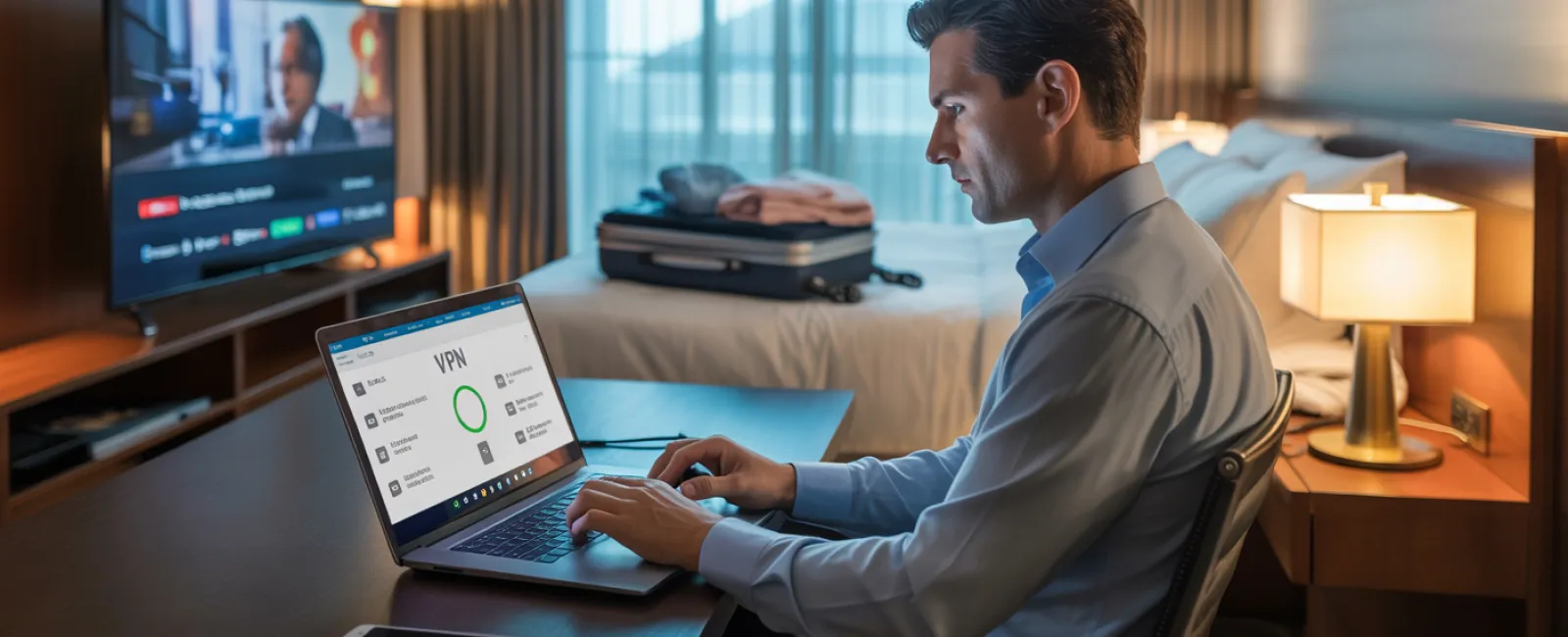
Hotel Wi-Fi: One of Higher Ed's Biggest Blind Spots
Universities are deeply networked environments. Staff and faculty are used to campus-grade security—encrypted Wi-Fi, secure authentication, protected servers. Hotel Wi-Fi, meanwhile, is the opposite.
Common risk scenarios:
- Fake hotel networks created by attackers ("Evil Twin" hotspots).
- Hundreds of guests—including some with malicious intentions sharing the same connection.
- Travel fatigue leading to poor judgment: logging into LMS, research drives, HR systems, or grant portals on unsecured networks.
Safer alternatives:
- Verify the official network name with the hotel front desk.
- Use a VPN for anything related to student records, research data, financial information, or university credentials.
- Use your phone hotspot for sensitive activities: grant submissions, accessing SIS/LMS systems, emails containing confidential information.
Rule of thumb:
Streaming holiday movies on hotel Wi-Fi = fine.
Accessing student data or research files = hotspot only.
When Kids (or Family) Ask to Use Your Work Laptop
Higher-ed professionals often have additional layers of sensitive content:
- IRB-protected research
- Student grades and records
- Grant applications
- Institutional login credentials
- Confidential departmental communications
- HIPAA-regulated clinical data (for those in health programs)
Letting a child or relative use your device even for a few minutes can expose all of it.
Safe approach:
- Politely keep work devices strictly for work.
- Provide a separate family device.
- If unavoidable:
- Create a restricted guest profile
- Supervise them
- Block downloads
- Clear session data afterwards
Children click things. Accidentally. Often. That's the risk.
Hotel TVs & Streaming Services: A Hidden Data Leak
Logging into Netflix or YouTube on a hotel TV sounds harmless until you forget to log out.
But consider this:
Many higher-ed professionals reuse passwords (even though we shouldn't). If your streaming password matches any academic or personal account, you've just exposed much more than your watch history.
Safer alternatives:
- Cast from your own device.
- Set a departure reminder to log out.
- Or download content beforehand.
If a Device Goes Missing During Travel
Academic devices are often treasure troves of sensitive data.
If lost or stolen: Do this immediately
- Use device tracking tools.
- Remotely lock the device.
- Change passwords for email, university accounts, cloud services.
- Notify your university IT/security team.
- If research or student data was exposed, follow institutional reporting protocols.
Before travel, devices should have:
- Encryption enabled
- Strong passwords
- Remote wipe capabilities
- Institutional security tools installed
Rental Cars: The Overlooked Data Trap
Rental car systems often store:
- Call logs
- Contacts
- Text previews
- Navigation history
Before returning the vehicle:
- Delete your phone from the Bluetooth menu
- Clear navigation history
- Avoid syncing contacts at all
The "Working Vacation" Boundary Problem
Higher-ed professionals rarely disconnect. Emails from students, grant deadlines, committee updates, publication correspondence, something always feels urgent.
But constant switching between "vacation mode" and "work mode" reduces your vigilance and makes you more vulnerable to phishing, fake networks, and security mistakes.
Healthier boundaries:
- Check email twice per day.
- Use your phone hotspot for work tasks.
- Avoid working in public spaces where screens are visible.
- Let colleagues know you're traveling so expectations are clear.
The strongest cybersecurity tool you have is a rested brain.
The Higher-Ed Holiday Security Mindset
Perfect security isn't the goal—risk awareness is.
Focus on:
- Preparing devices before travel
- Separating family use from institutional access
- Using secure networks only
- Knowing what actions are high-risk
- Having a clear response plan if things go wrong
Make This Break Memorable for the Right Reasons
Higher-education professionals carry responsibility far beyond their own data,they protect student privacy, research integrity, and institutional credibility. A single careless moment during holiday travel can jeopardize all three. So book your free discovery call here at (303) 423-4500 or Click Here!