Working in higher education means operating in a high-stakes environment of intellectual property, sensitive student data, and valuable research. On campus, you have the safety net of enterprise-grade firewalls and a dedicated IT security team watching the network.
But what happens when you step outside that bubble?
Whether you are attending an academic conference, taking a sabbatical, or just enjoying a long weekend away, the psychological shift of being "out of office" often leads to a relaxation of security habits. You are away from the physical institution, so you feel less like a target.
Attackers know this. They thrive on the moments when smart people are distracted, rushed, or just trying to relax.
Here are the common traps higher ed professionals fall into when they step away from campus, and how to ensure your downtime doesn't lead to downtime for the university.
The Coffee Shop Connectivity Crisis
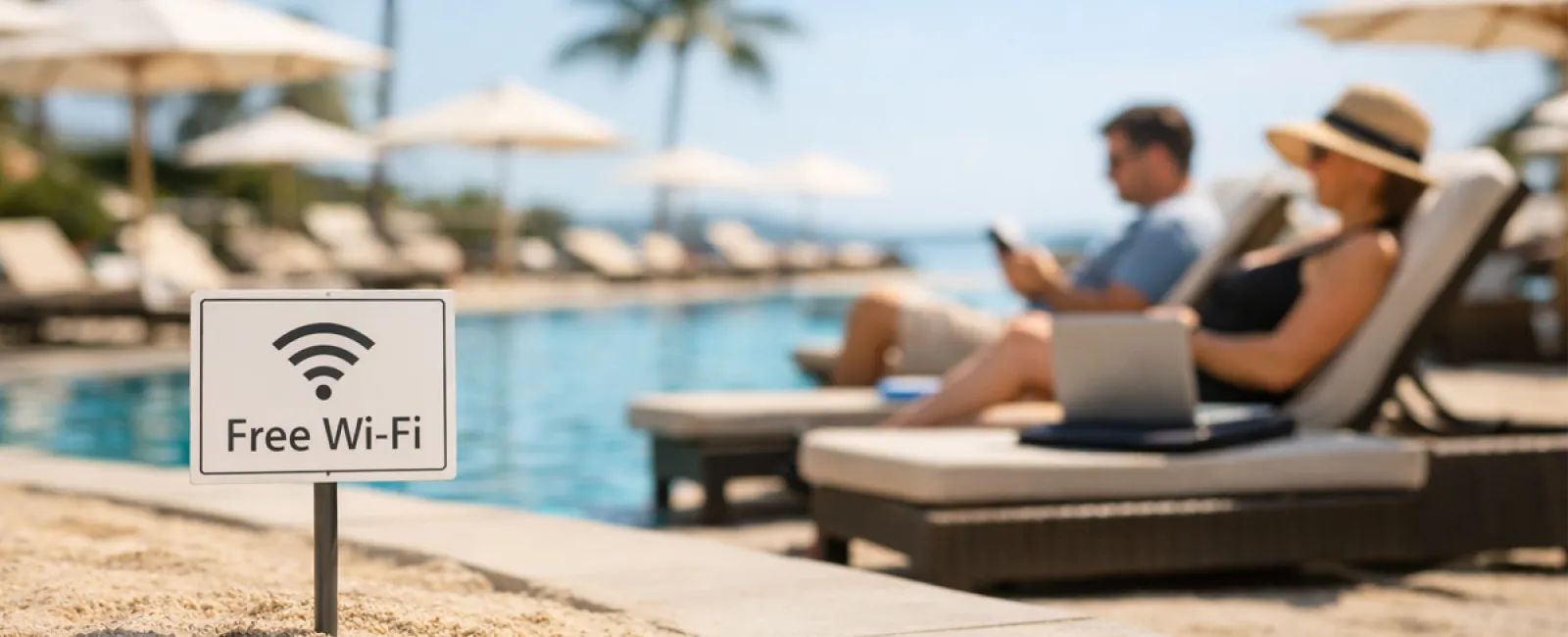
You're at a conference hotel or a local café, and you just need to upload a few files to the Learning Management System (LMS) before a session starts. The public Wi-Fi is open and available. You connect without thinking because it's just for a second.
The risk: "Evil Twin" networks. Attackers set up Wi-Fi hotspots with legitimate-sounding names near conference centers or hotels. If you connect and log into university services without a VPN, they capture your credentials and the data you transmit.
The fix: Treat all public Wi-Fi as hostile territory. Always use your university-issued VPN or tether to your mobile phone's data connection for any work-related task.
The "Just Need to Watch This" Dodgy Stream
You are in a hotel room with limited channel options, and there is a must-see event (a game, a premiere, a news event) you want to watch. You grab your work laptop and search for a free stream, clicking on the first link that promises a feed.
The risk: Drive-by downloads and malware. Sketchy streaming sites are notorious for deceptive ads and background script downloads that can infect your institution-owned device with spyware or ransomware, providing a backdoor into the campus network later.
The fix: Never use university-owned devices for streaming from unverified sources. Stick to official subscription apps on your personal devices.
The "Family Device" Blur
You're on a family trip, and you only brought your work laptop to save space. Your child or partner asks to borrow it to check something quickly or play a game to kill time. You hand it over.
The risk: Accidental data exposure or corruption. A family member might inadvertently click a phishing link, download a malicious browser extension, or stumble upon sensitive student records or unreleased research data you had open in another tab.
The fix: Establish a hard boundary between work and personal hardware. If you must share a device, use a guest profile that has zero access to your university credentials or files.
The "Quick-Check" Compromise
You swore you wouldn't work this weekend. But you just want to peek at your inbox to ensure there are no fires. Because you're rushing and "just looking," you bypass the usual security protocols, like multifactor authentication (if it's not forced) or the VPN.
The risk: Rushed behavior leads to mistakes. When you are trying to be quick, you are less likely to scrutinize the sender address on a phishing email or notice that the login page for the portal looks slightly off.
The fix: If it's important enough to check, it's important enough to secure. Slow down. If you are logging into institutional resources, use the full security stack every single time.
The Social Media Security Leak
You are excited about your trip or conference. You post a photo from the airport lounge or tag your location at the convention center: "Excited to be presenting in Chicago for the next three days!"
The risk: Targeted spear phishing. You have just publicly confirmed you are away from your usual desk and potentially distracted. Attackers use this info to craft convincing emails to your department staff posing as you, requesting urgent help because you are "traveling and tied up."
The fix: Post about the trip after you return. Obscure your real-time location when sharing updates publicly.
The Public Charging Gamble
Your phone is dead after a long flight. You spot a free USB charging kiosk in the terminal and plug your phone directly into the port.
The risk: "Juice Jacking." USB ports transfer both power and data. Criminals can modify public charging stations to steal data from plugged-in devices or install malware.
The fix: Never plug your device directly into a public USB port. Always use your own AC adapter plugged into a standard electrical outlet, or use a portable battery pack.
The "Throwaway" Account Trap
You need to sign up for a temporary service while traveling—a conference app, hotel rewards, or local transit. You create a quick account using your university email and a simple password you use frequently.
The risk: Credential harvesting. These temporary services often have weak security. If that service is breached, attackers now have a valid university email address paired with a password you might use elsewhere.
The fix: Never use your .edu email for temporary, non-work services. Use a personal email address and a unique password generated by a password manager.
The Takeaway
None of these mistakes happen because higher ed professionals are negligent. They happen because the line between "work" and "life" is blurry in academia, and stepping away from campus naturally leads to letting your guard down.
The goal isn't to be paranoid during your time off. It's to build habits that protect you and your institution, no matter where you are.
Heading Out of the Office?
Your institution likely has clear policies regarding remote work and travel security. A quick review of those guidelines before you pack can save a lot of headaches later.
If you recognized yourself in a few of these scenarios, it might be worth a quick conversation with your campus IT security team for a refresher. They would rather help you prepare now than help you recover later.
Enjoy your time away, and stay safe.